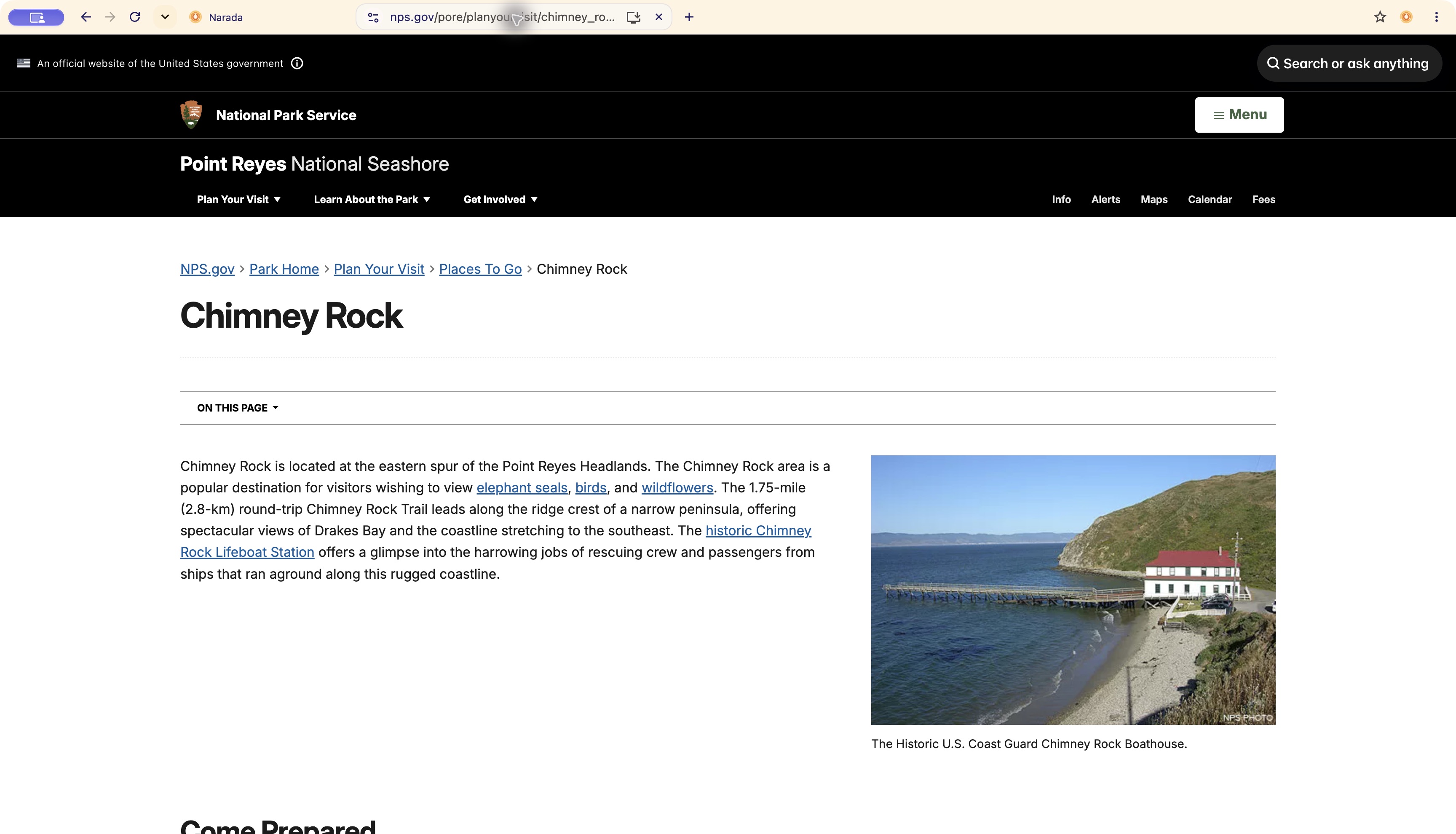
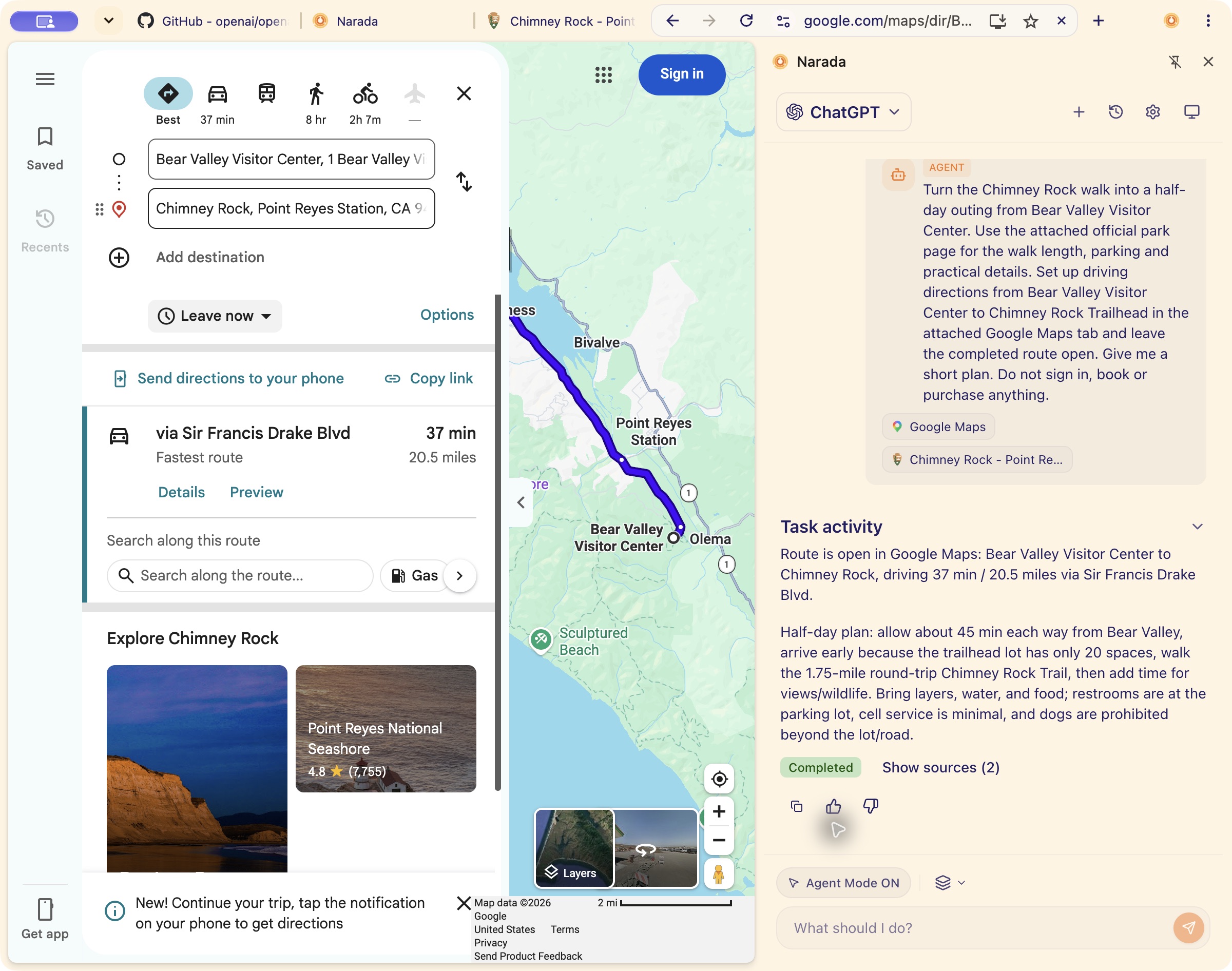
Plan a half-day outing to Chimney Rock from Bear Valley Visitor Center. Check the official park page for the walk, parking, and practical details. Set up driving directions in Google Maps, leave the route open, and give me a short itinerary. Do not sign in, book, or purchase anything.
The outcome you ask forAn itinerary and an open driving routeExample prompt · Official park information
Give it a task of your own.
New in Narada
Good work. With a little follow-through.
PDFs, recurring research and Site Knowledge. Included in preview 0.7.0.300.
PDFs & files
That’s a keeper.
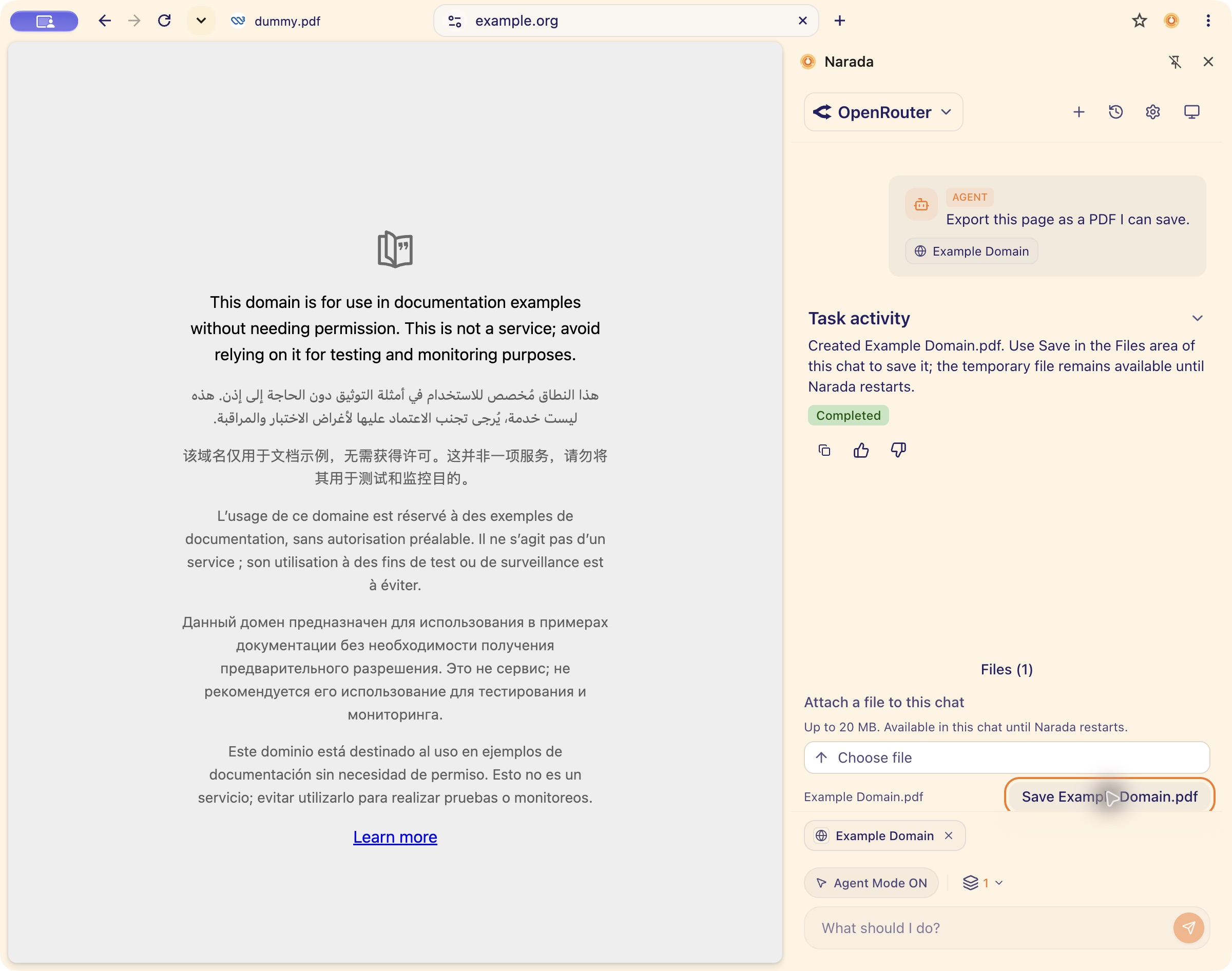
Read a PDF, bring a file into the conversation, or turn a page into something you can save.Open the saved PDF ↗
Example DomainPDF
From a tab to a takeaway.
Your copy, ready to save.
Recurring research
One less thing to remember.
Give a research task a rhythm. Narada can revisit the page and bring back a fresh answer while your browser is open.
A task to come back toRead this page again. Bring me a fresh summary.
01Review
↗
02Revisit
↘
03Catch up
A completed scheduled run✓
“Example.org is reserved for documentation examples; it is not a service and should not be relied on for testing or monitoring.”From the saved research result · example.org
Site Knowledge
A familiar way forward.
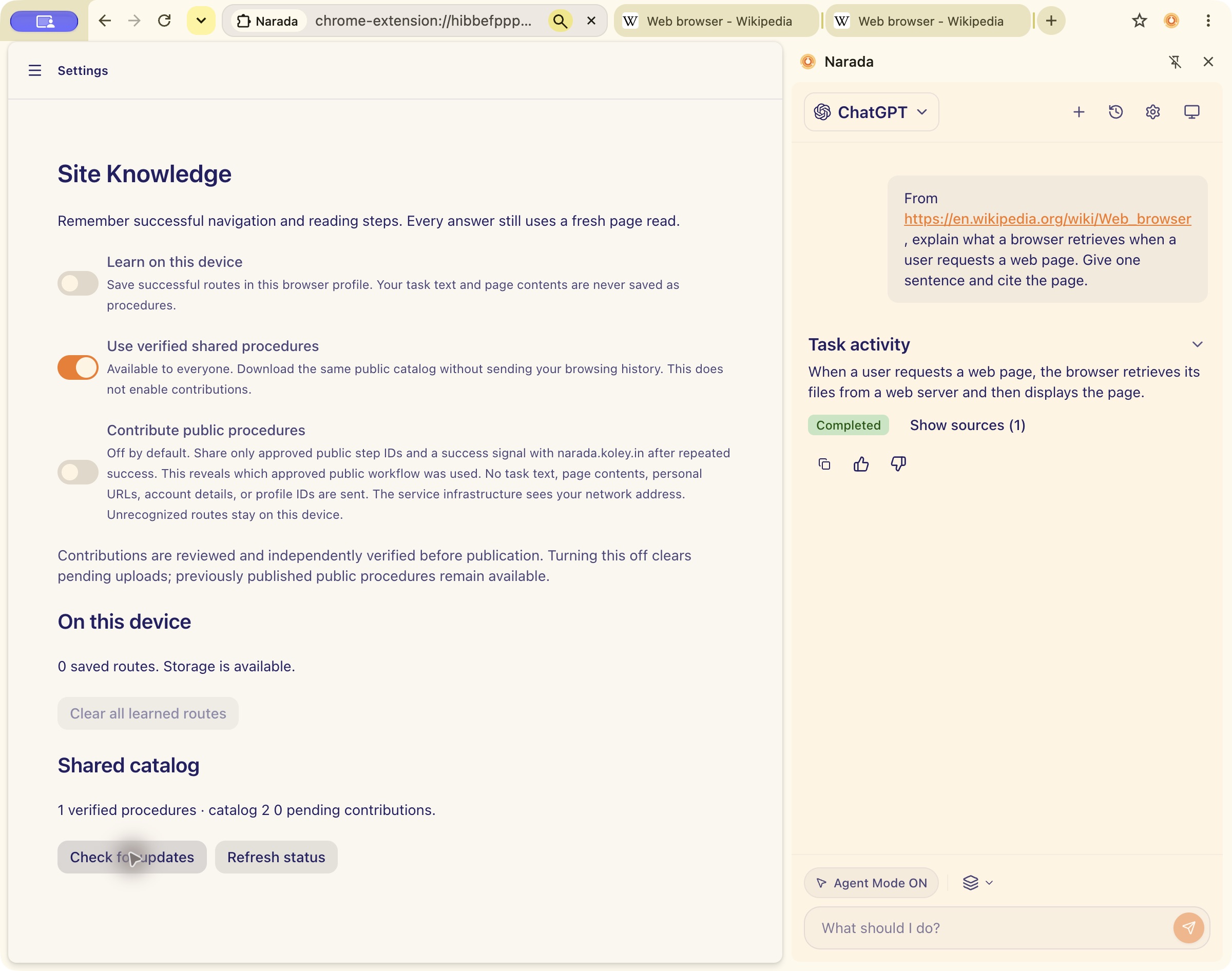
A successful route can become a useful starting point. Narada still reads the page afresh, every time.Receive verified routes without contributing. Sharing your own is opt-in.
Wikipedia
Main Page↓Web browser
A verified route. A fresh read.
Put to work in another profile.
The shared route in Settings
A page became Example Domain.pdf. Narada saved a readable copy through its Files area. These captures are from development builds. The features are now included in preview 0.7.0.300 and remain experimental.
Your browser. Your call.
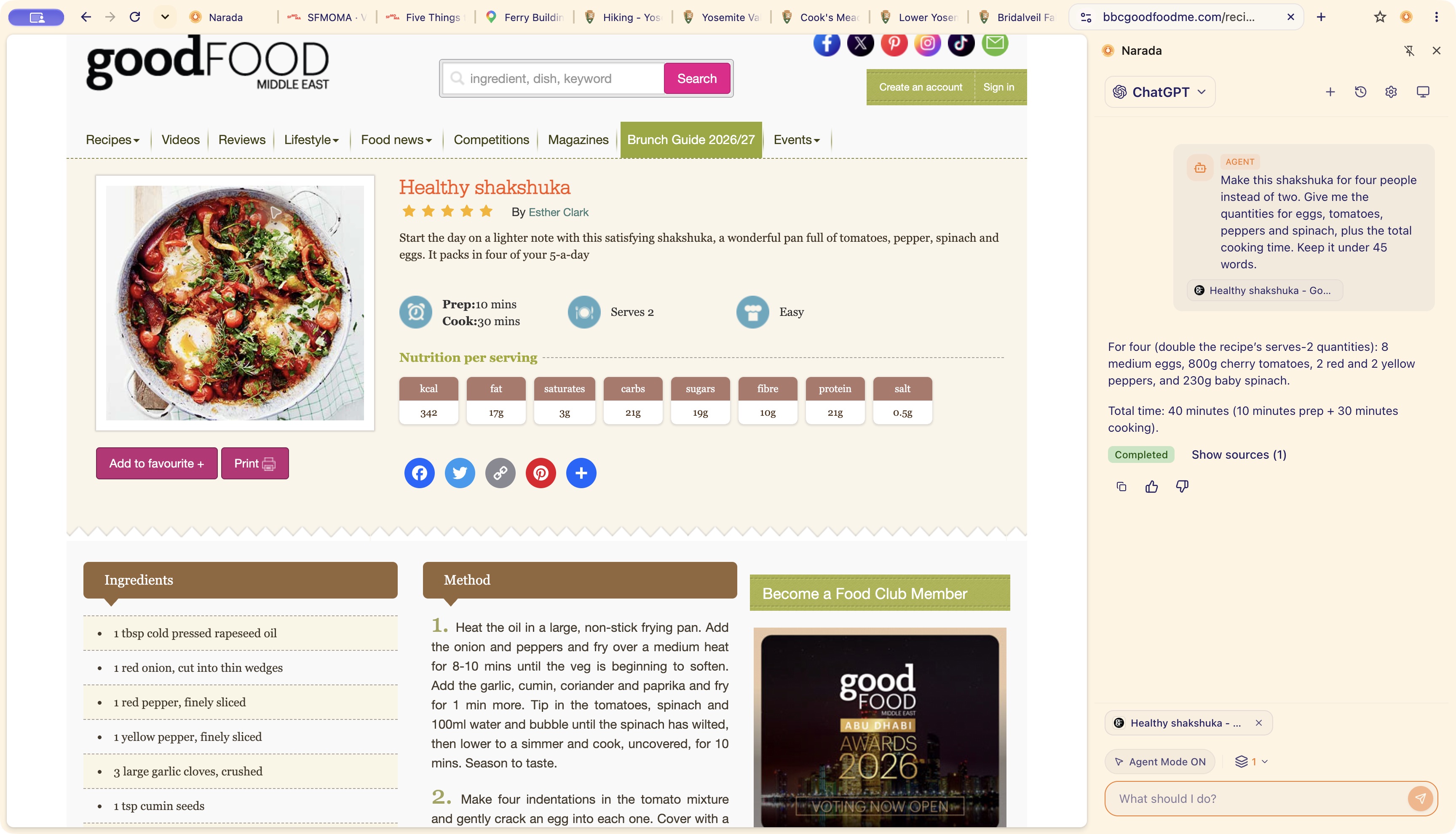
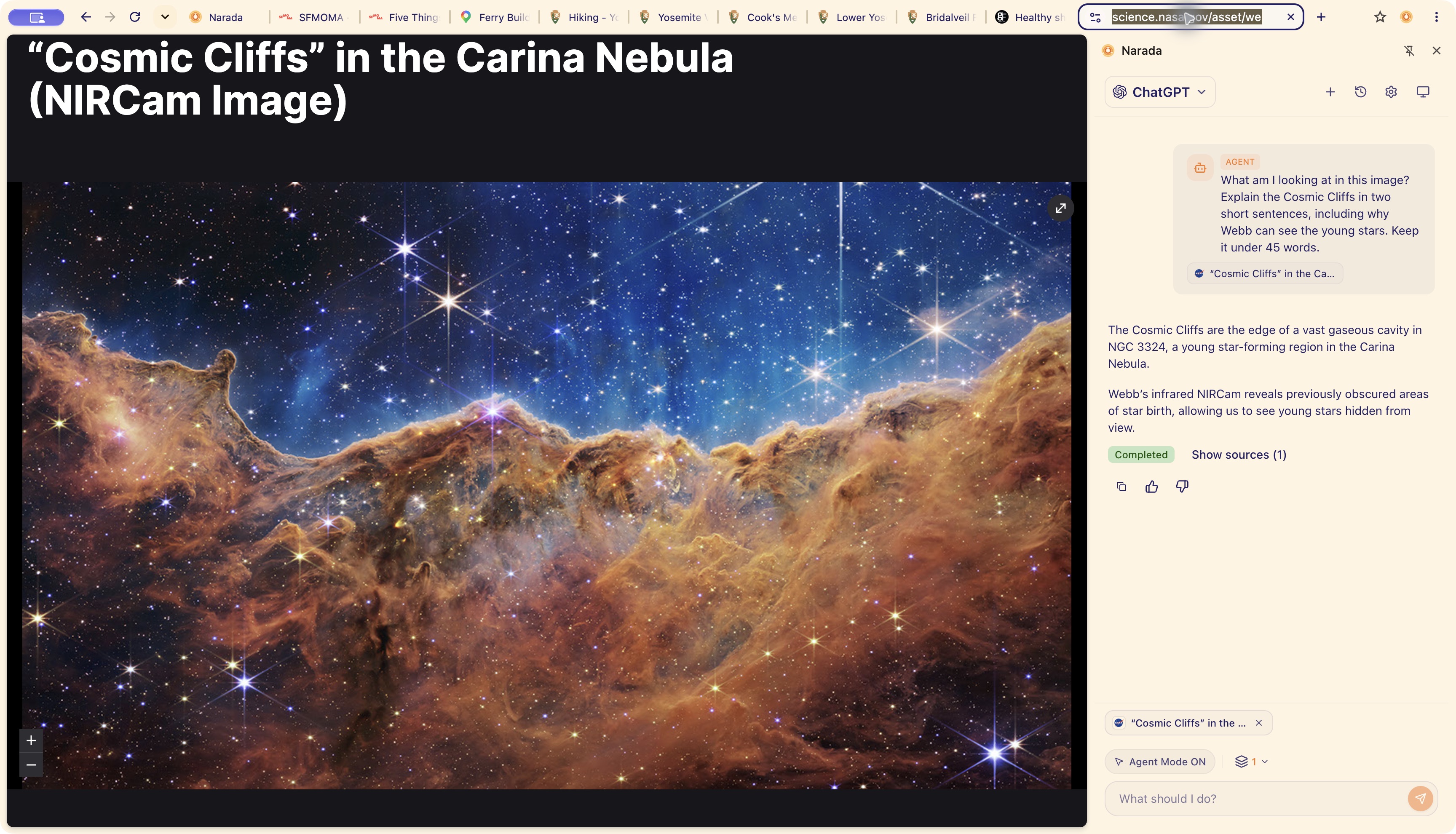
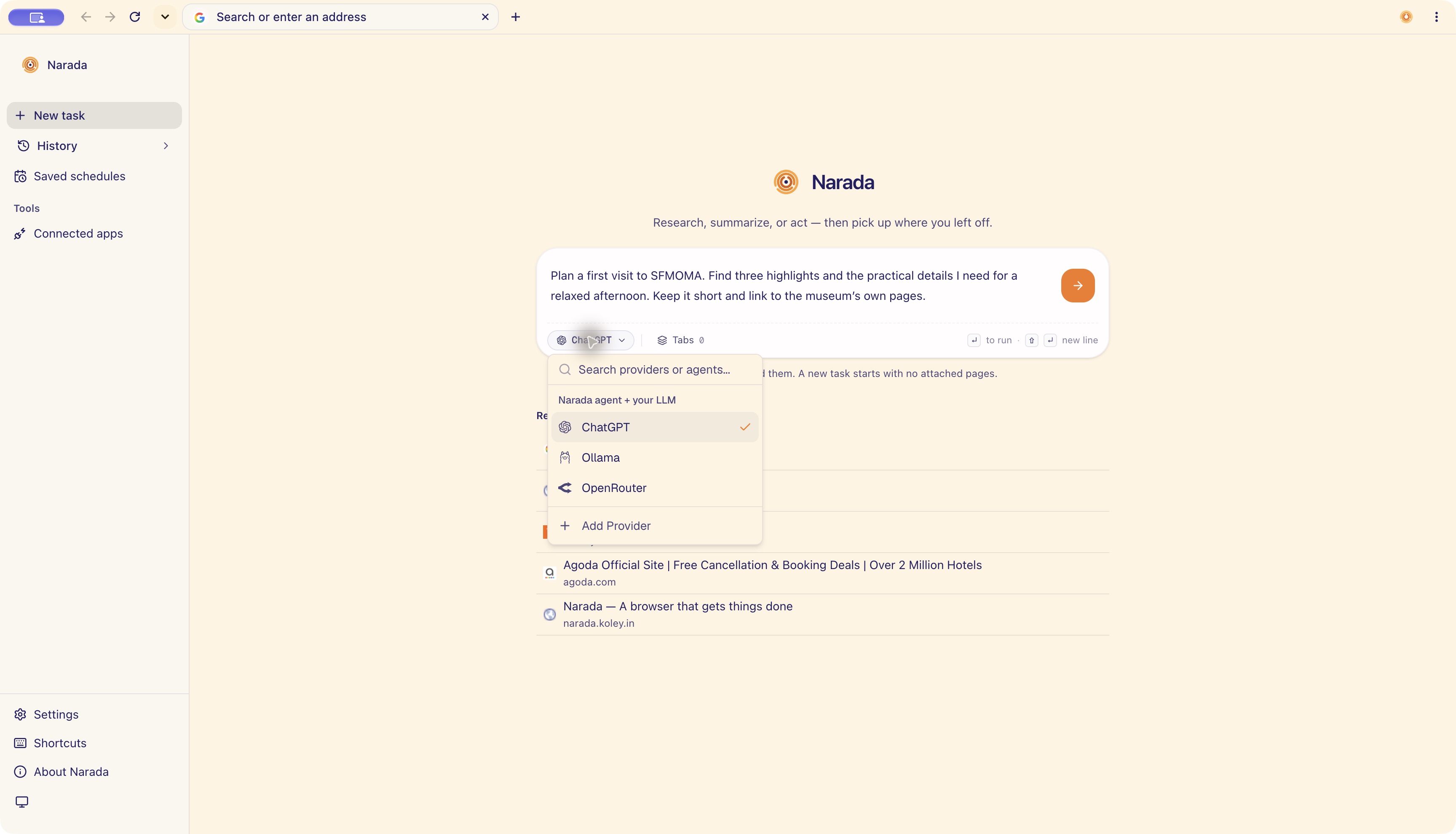
Your favorite AI. Put to work.
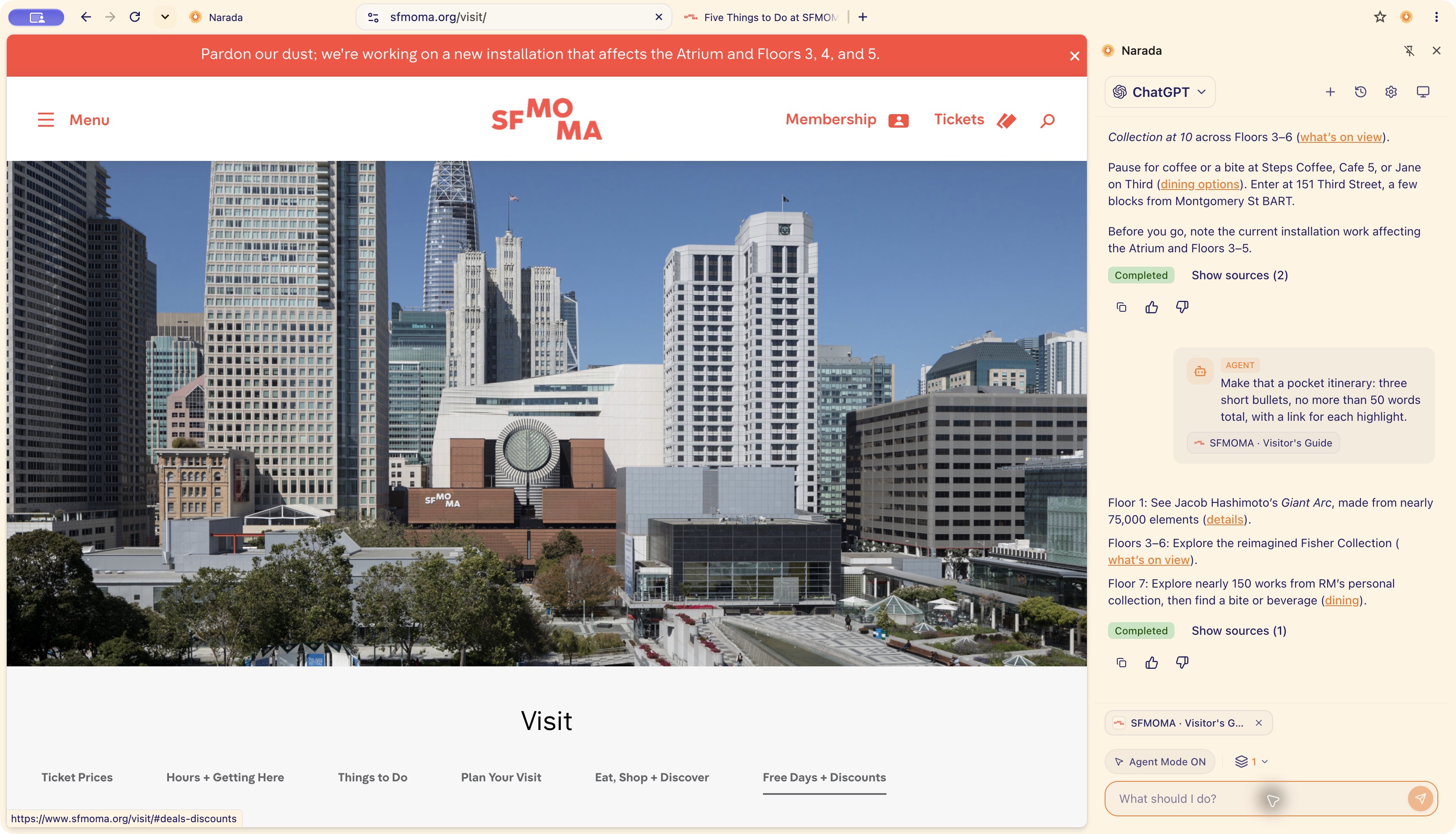
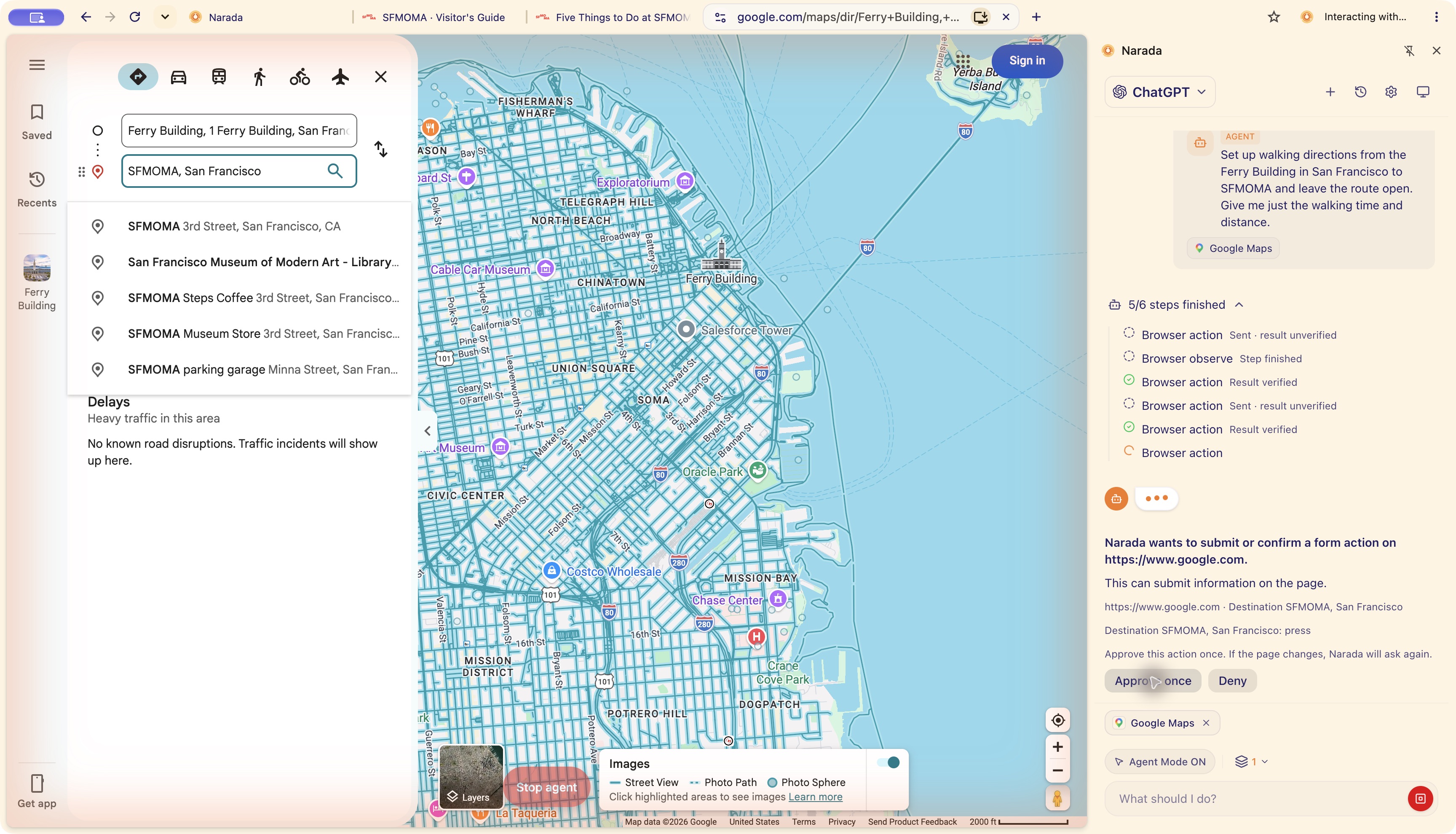
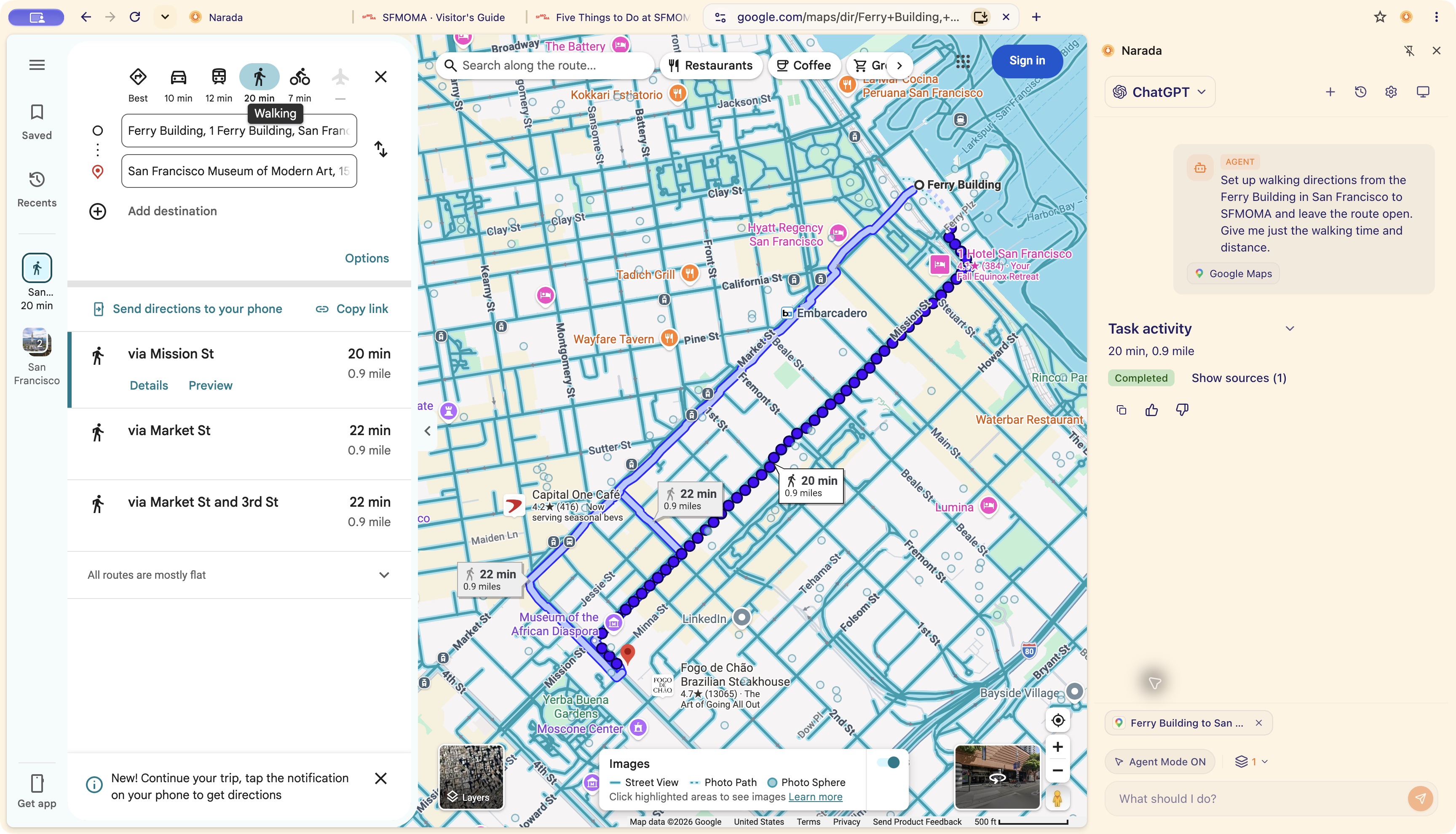
An afternoon at the museum, planned with the AI you choose.
An afternoon at SFMOMA.
The next move is yours.
You give the go-ahead. Narada gets the route ready.
Ready when you are.
A few things to know.
Narada is in early access. Here’s what to expect.
Narada is a standalone browser with an AI assistant built in. Browse the web, ask questions, and work with the assistant alongside your tabs.
Start with a few tabs and a task. You can use Narada alongside your current browser, with a separate profile. There’s no need to move everything over to give it a try.
Give the agent a task: navigate websites, gather information, compare options, click controls, or enter details on a page. You can also chat about what you’re reading. This is an early preview; action reliability and approval flows are still being refined, so review page-changing work before relying on it.
You choose a supported provider in Narada’s settings. The current preview supports connecting a model provider, including ChatGPT sign-in. Availability and any provider charges depend on the connection you use.
The browser runs on your computer. When you use a hosted AI model, the prompt and page context needed for your task are sent to that provider. Review your provider’s data settings before sharing sensitive content.
Join the early-access list below. When approved, you’ll receive an email with a private download link. Your invitation includes the available downloads and instructions to get started.
Yes. Preview 0.7.0.300 includes experimental file and recurring-task features. It can read text from loaded PDFs, export pages as PDFs, attach files, and select a file for upload after review. Save exported files before restarting Narada. OCR and PDF form editing are not supported.
Ask for a research task and a schedule, then review it before it is saved. Narada revisits the web and keeps the result while the browser is open. Scheduled runs can open and read pages; they cannot fill forms, upload files, or act in connected apps. Recurring research is included in preview 0.7.0.300.
Site Knowledge learns successful navigation and reading routes. Verified shared routes can help another Narada profile reach a page, which the agent still reads afresh. Contributions are off by default. Opting in shares approved public workflow IDs and a success signal—not prompts, page contents, credentials, or personal URLs. The service sees the approved workflow and network address. The development demonstration covers two reviewed Wikipedia routes; it does not establish general website automation or faster performance. Site Knowledge is included in preview 0.7.0.300.
Yes. Open a saved conversation from History and continue it. Preview 0.7.0.300 improves follow-ups after a restart and keeps your draft and chosen pages when you close and reopen the sidebar. New web facts and actions still require current page access.
Compatible assistants can connect to selected browser pages through Narada’s built-in MCP server. Pairing is read-only in the preview. Read the build notes.
Your next task. A little less work.
Start with a few tabs. See where they take you.
We’ll email you when your invitation is ready.
Already invited? Use the private link in your approval email.